

Microsoft Flight Simulator 2024 v1.2.7.0 Game – Overview – Download – Free – PC – Specs – Screenshots – Installation Guide
Type of game: Simulation
PC Release Date: November 19, 2024
Developer/Publishers: Asobo Studio, Xbox Game Studios
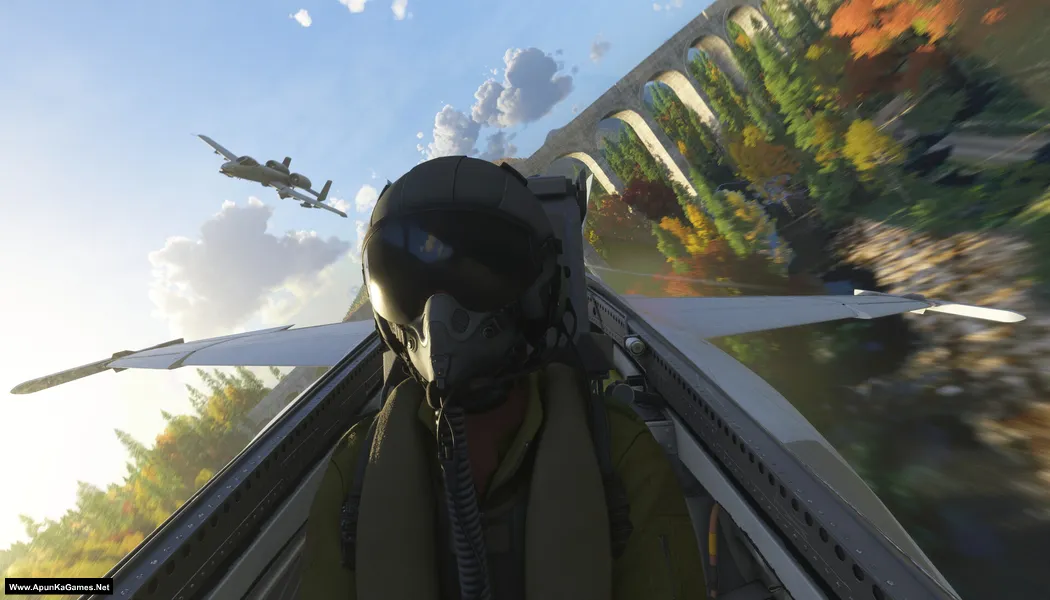
Microsoft Flight Simulator 2024 (8.10 GB) is a simulation game that delivers an immersive aviation experience with detailed aircraft, realistic environments, and dynamic flight conditions. Players can pilot different aircraft, explore diverse locations, complete aviation activities, and experience realistic weather while developing their flying skills. With advanced simulation mechanics, stunning visuals, and authentic flight systems, the game offers an engaging experience for aviation enthusiasts. Microsoft Flight Simulator 2024 is ideal for PC players who enjoy simulation, aviation, exploration, realistic gameplay, aircraft, and challenging flight experiences.
Type of game: Simulation
PC Release Date: November 19, 2024
Developer/Publishers: Asobo Studio, Xbox Game Studios
Microsoft Flight Simulator 2024 (8.10 GB) is a simulation game that delivers an immersive aviation experience with detailed aircraft, realistic environments, and dynamic flight conditions. Players can pilot different aircraft, explore diverse locations, complete aviation activities, and experience realistic weather while developing their flying skills. With advanced simulation mechanics, stunning visuals, and authentic flight systems, the game offers an engaging experience for aviation enthusiasts. Microsoft Flight Simulator 2024 is ideal for PC players who enjoy simulation, aviation, exploration, realistic gameplay, aircraft, and challenging flight experiences.
Before downloading make sure that your PC meets minimum system requirements.
Minimum System Requirements
- OS: Windows 10 (64‑bit)
- Processor: AMD Ryzen 5 2600X or Intel Core i7-6800K
- RAM: 16 GB
- Hard Disk: 50 GB available space
- Graphics Card: Radeon RX 5700 or GeForce GTX 970
- Network: Broadband Internet connection
- DirectX: Version 12
Screenshots


How to Install?
- Extract the file using Winrar. (Download Winrar)
- Open “Microsoft Flight Simulator 2024” >> “Game” folder.
- Run GDK_Helper.bat, which is located in the game folder. (Performed once)
- Enable Developer Mode. (Restart your PC if necessary) (Performed once)
- Install the game. (Performed once)
- Disable Developer Mode. (Performed once)
- Launch the game via the start menu. Done!
How to Download?
If your don’t know how to Download this game, just Click Here!
If your don’t know how to Download this game, just Click Here!
Microsoft Flight Simulator 2024 Download
Click Here to Download This Game
Game Size: 8.10 GB
Password: www.apunkagames.net or apunkagames
Click Here to Download This Game
Game Size: 8.10 GB
Password: www.apunkagames.net or apunkagames
