
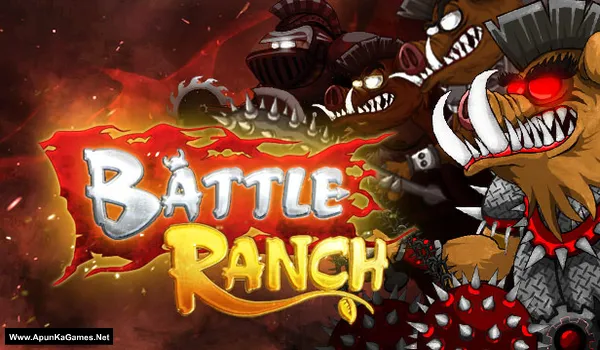
Battle Ranch: Pigs vs Plants Game – Overview – Download – Free – PC – Specs – Screenshots – Installation Guide
Type of game: Strategy
PC Release Date: February 3, 2015
Developer/Publishers: Playboom, Senpai Industrial Studios
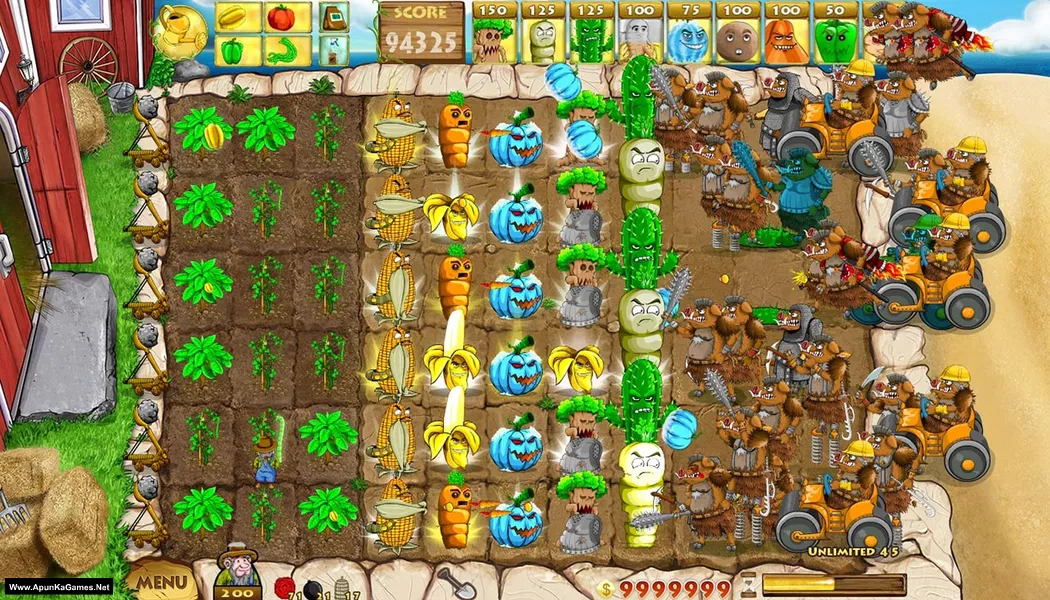
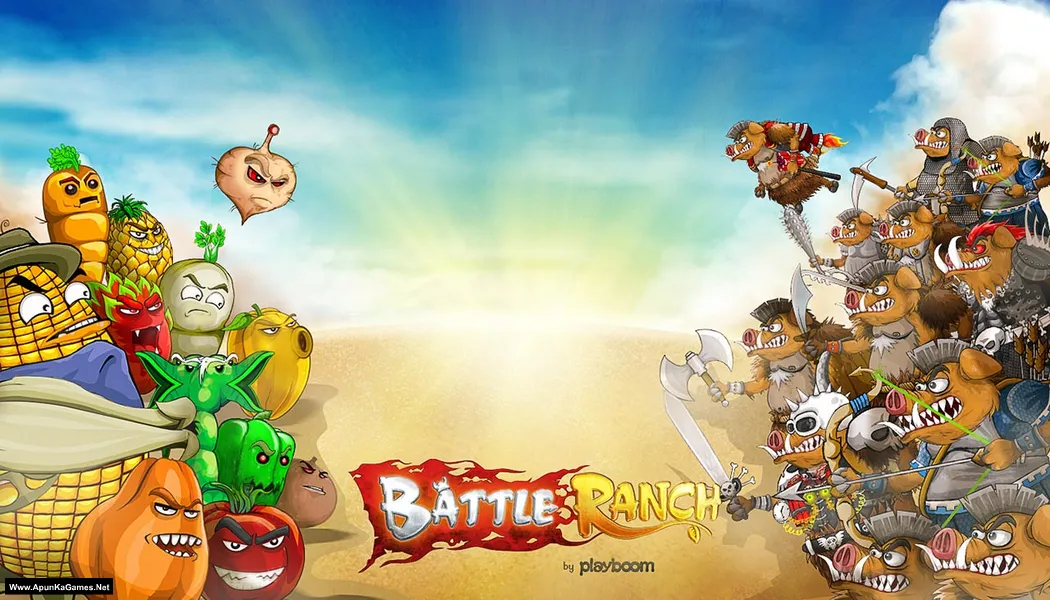
Battle Ranch: Pigs vs Plants (635 MB) is a colorful strategy game where players defend their ranch from waves of mischievous pigs using a variety of plants and defensive tactics. Build and upgrade your defenses, place plants strategically, and battle enemies across challenging levels. Experiment with different plant abilities, manage resources, and overcome increasingly difficult attacks. With cartoon-style visuals, fast-paced battles, strategic planning, and entertaining gameplay, Battle Ranch: Pigs vs Plants delivers a fun and accessible tower-defense experience for players.
Type of game: Strategy
PC Release Date: February 3, 2015
Developer/Publishers: Playboom, Senpai Industrial Studios
Battle Ranch: Pigs vs Plants (635 MB) is a colorful strategy game where players defend their ranch from waves of mischievous pigs using a variety of plants and defensive tactics. Build and upgrade your defenses, place plants strategically, and battle enemies across challenging levels. Experiment with different plant abilities, manage resources, and overcome increasingly difficult attacks. With cartoon-style visuals, fast-paced battles, strategic planning, and entertaining gameplay, Battle Ranch: Pigs vs Plants delivers a fun and accessible tower-defense experience for players.
Before downloading make sure that your PC meets minimum system requirements.
Minimum System Requirements
- OS: Windows XP/7/Vista/8
- Processor: 2 GHZ
- RAM: 1 GB
- Hard Disk: 800 MB available space
- Graphics Card: 128 MB
- DirectX: Version 9.0
Screenshots
How to Install?
- Extract the file using Winrar. (Download Winrar)
- Open “Battle Ranch: Pigs vs Plants” >> “Game” folder.
- Then double click on “Battle Ranch.exe” to play the game. Done!
How to Download?
If your don’t know how to Download this game, just Click Here!
If your don’t know how to Download this game, just Click Here!
Battle Ranch: Pigs vs Plants Download
Click Here to Download This Game
Game Size: 635 MB
Password: www.apunkagames.net or apunkagames
Click Here to Download This Game
Game Size: 635 MB
Password: www.apunkagames.net or apunkagames
