
Command and Conquer 3: Tiberium Wars, C&C3 Tiberium Wars for PC, download for pc, free version game, free pc game
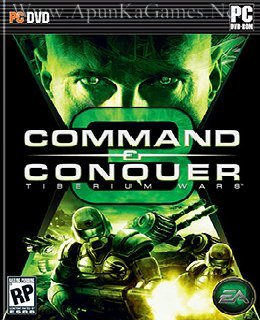
Before downloading make sure that your PC meets minimum system requirements.
Minimum System Requirements
- OS: Windows XP/Vista/7
- Processor: (Single Core) Intel P4 2.0 GHz / AMD Athlon 2000+
- RAM: 512 MB RAM/ 1 GB for Windows Vista
- Hard Drive: 6 GB free
- Video Card: 64 MB, NVIDIA GeForce 4+ / ATI Radeon 8500+
- Sound Card: DirectX 9.0c Compatible
- DirectX: 9.0c
- Keyboard and Mouse
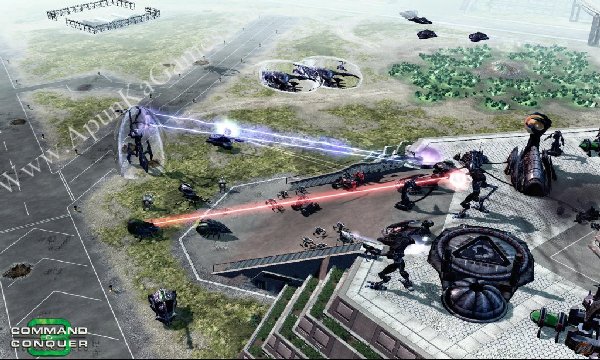
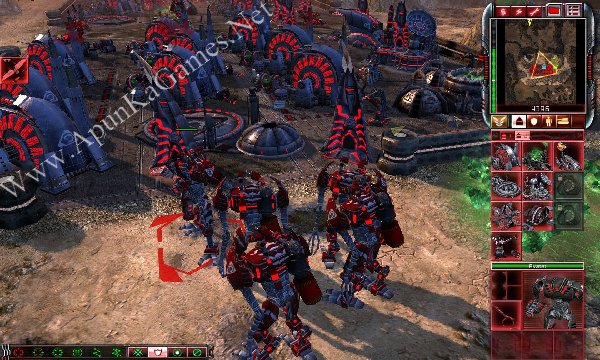
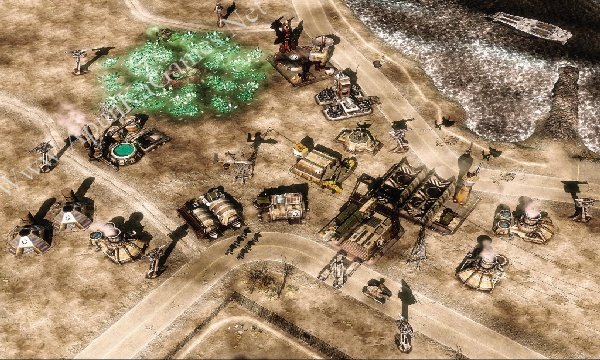
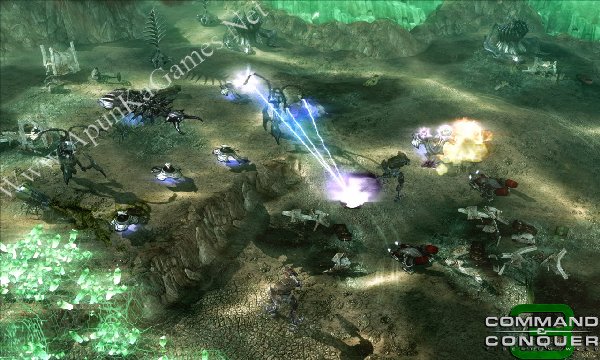
Screenshots
How to Install?
- Extract the file using Winrar. (Download Winrar)
- Open “CandC 3 – Tiberium Wars” >> “Game Setup” folder. Double click on “start.exe” and install it.
- After installation complete, go to the folder where you install the game.
- Open game folder, double click on “CNC3.exe” to play the game. Done!
How to Download?
If your don’t know how to Download this game, just Click Here!
Command and Conquer 3: Tiberium Wars Download
Download in Single Link
Click Here
–
Download in 900MB Parts
Download in Single Link
Click Here
–
Download in 900MB Parts
Game Size: 8.53 GB
Password: www.apunkagames.net or apunkagamesagames
Why are you skruing up all the downloads when I started to download it worked perfect if the game was a
full game at maybe 8 gb then I got 8gb but now it only redirect me to sevrel places and I get no game
so you can shove it up somewherr.
We understand your frustration, and we’re sorry for the inconvenience. The download links haven’t been intentionally changed to make things difficult. If you’re being redirected or having trouble downloading, please let us know which game and download server you’re using, and we’ll do our best to help you get the game successfully.