
Finding Bigfoot Game, PC download, free version game, free pc game, for PC

Before downloading make sure that your PC meets minimum system requirements.
Minimum System Requirements
- OS: Windows 7/8/10 (Only 64bit)
- Processor: Intel Core i5 (64bit) / AMD Analogue
- RAM: 2 GB
- Hard Drive: 3 GB available space
- Video Card: NVIDIA GeForce GTX 750 / AMD Analogue
- Network: Broadband Internet connection
- DirectX: Version 11
Screenshots
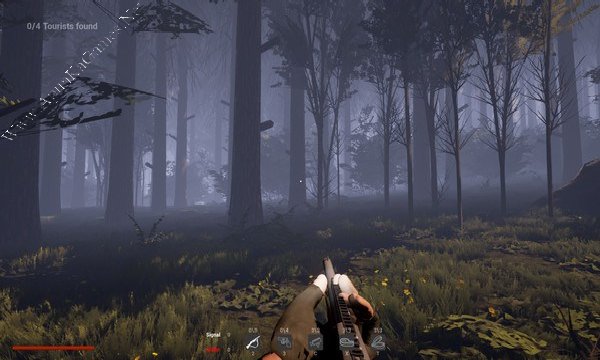
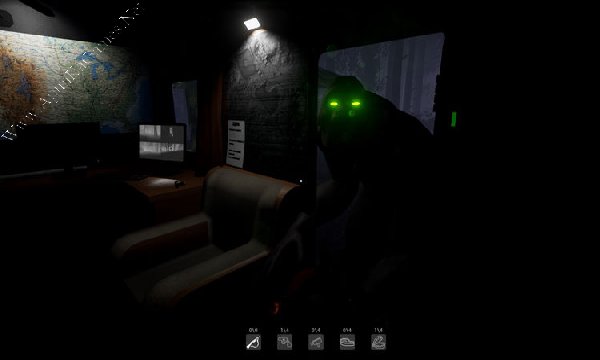
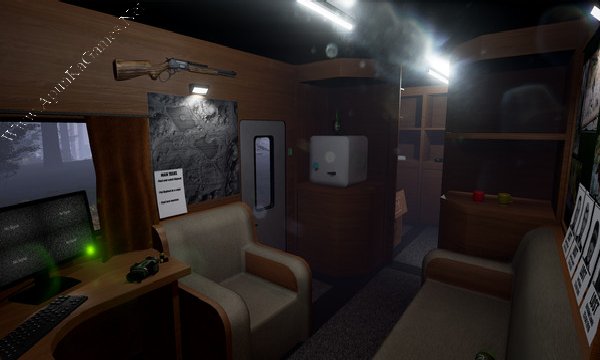
How to Install?
- Extract the file using Winrar. (Download Winrar)
- Open “Finding Bigfoot” >> “Game” folder.
- Then double click on “FBProject” icon to play the game. Done!
How to Download?
If your don’t know how to Download this game, just Click Here!
If your don’t know how to Download this game, just Click Here!
Finding Bigfoot Free Download
Click Here to Download This Game
Game Size: 1.21 GB
Password: www.apunkagames.net or apunkagames
Click Here to Download This Game
Game Size: 1.21 GB
Password: www.apunkagames.net or apunkagames