
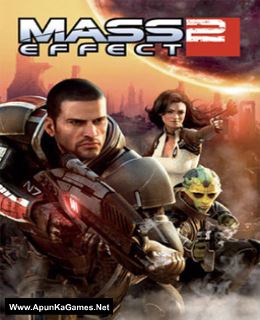
Before downloading make sure that your PC meets minimum system requirements.
Minimum System Requirements
- OS: Windows XP/Vista/7/8
- Processor: 1.8GHz Intel Core 2 Duo or equivalent AMD CPU
- RAM: 2 GB
- Hard Drive: 15 GB available space
- Video Card: 256 MB, NVIDIA GeForce 6800, ATI Radeon X1600 Pro or Greater
- DirectX: 9.0c
Screenshots
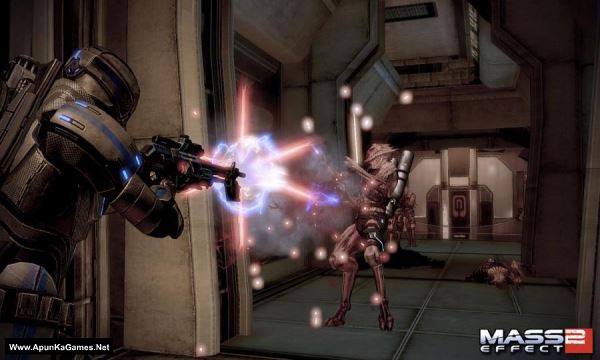
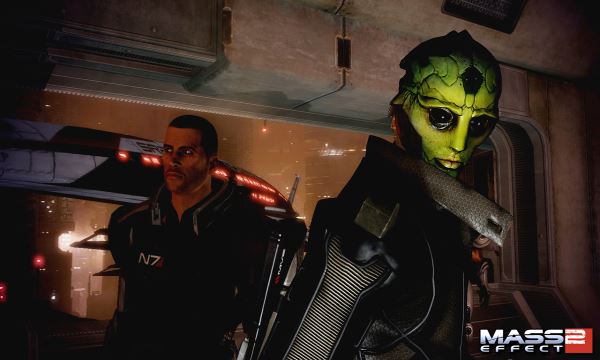
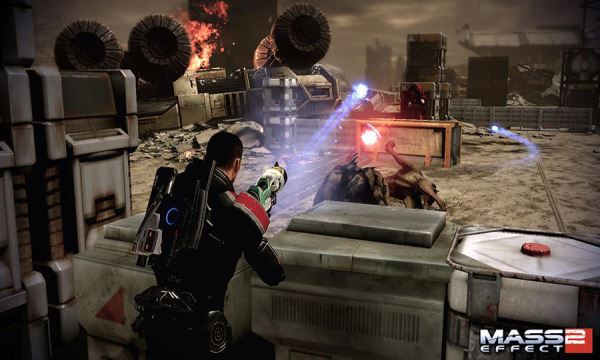
How to Install?
- Extract the file using Winrar. (Download Winrar)
- Open “Mass Effect 2” folder, Mount “rzr-me2a” and run the setup.
- If they want serial key type this: RX22-GDJ5-L0F3-S8G1-1911
- During installation they want CD2, Mount “rzr-me2b” and click OK.
- After installation complete, go to the folder where you extract the game.
- Open “Razor1911” folder, copy all files and paste it where you install the game.
- Then double click on “MassEffect2” icon to play the game. Done!
How to Download?
If your don’t know how to Download this game, just Click Here!
If your don’t know how to Download this game, just Click Here!
Game Size: 14.2 GB
Password: www.apunkagames.net or apunkagames

You have written mount in your instructions to install this game what does this mean?
Means to mount
Does this one work 100%?
pls update with the dlcs
Mounted disc 2, still says Insert disc… Somethings wrong… Any advice?
Brother, please reinstall the game exactly as mentioned in the instructions. Make sure all 3 parts are downloaded completely before extracting and installing again. When they want CD2, Mount “rzr-me2b” and then click OK.
Please follow the instructions step by step: before extracting and installing the game, turn off your antivirus. After installation, you can turn it back on, as antivirus software may block DLL files.
Download all parts and paste them into one new folder.
01. Extract the file using Winrar part 1 and automatically all parts will extracted.
02. Open “Mass Effect 2” folder, Mount “rzr-me2a” and run the setup.
03. If they want serial key type this: RX22-GDJ5-L0F3-S8G1-1911
04. During installation they want CD2, Mount “rzr-me2b” and click OK.
05. After installation complete, go to the folder where you extract the game.
06. Open “Razor1911” folder, copy all files and paste it where you install the game.
07. Then double click on “MassEffect2” icon to play the game. Done!