
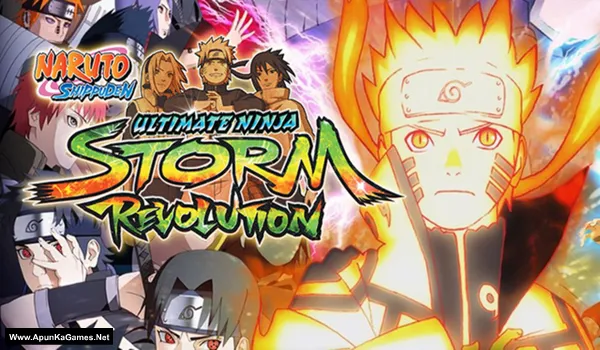
Naruto Shippuden: Ultimate Ninja Storm Revolution Game – Overview – Free Download – PC – Specs – Screenshots – Installation Video
Type of game: Fighting/Action
Type of game: Fighting/Action
PC Release Date: September 15, 2014
Developer/Publishers: CyberConnect2, Bandai Namco Games
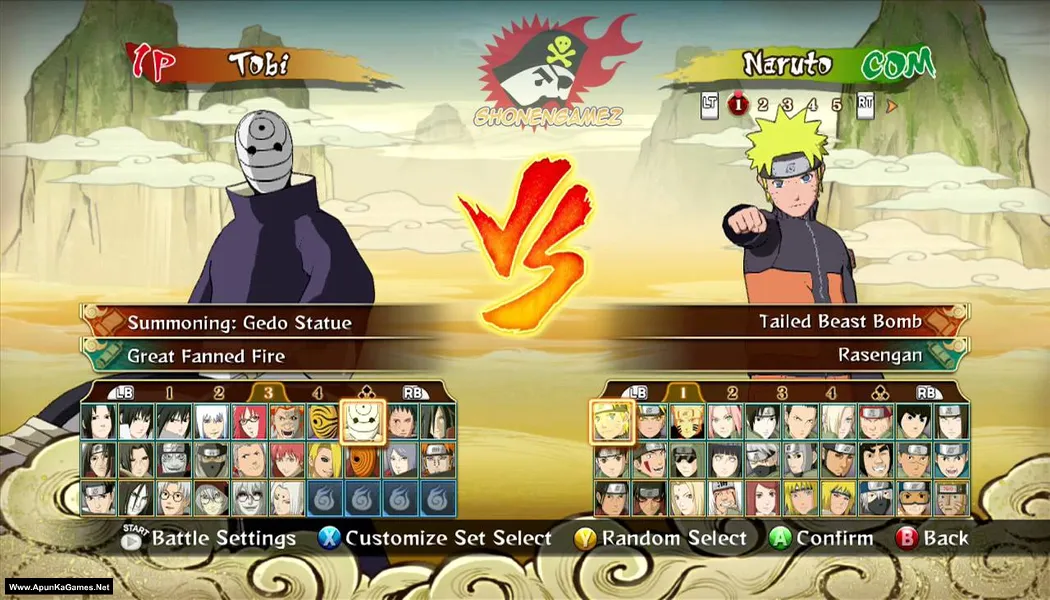
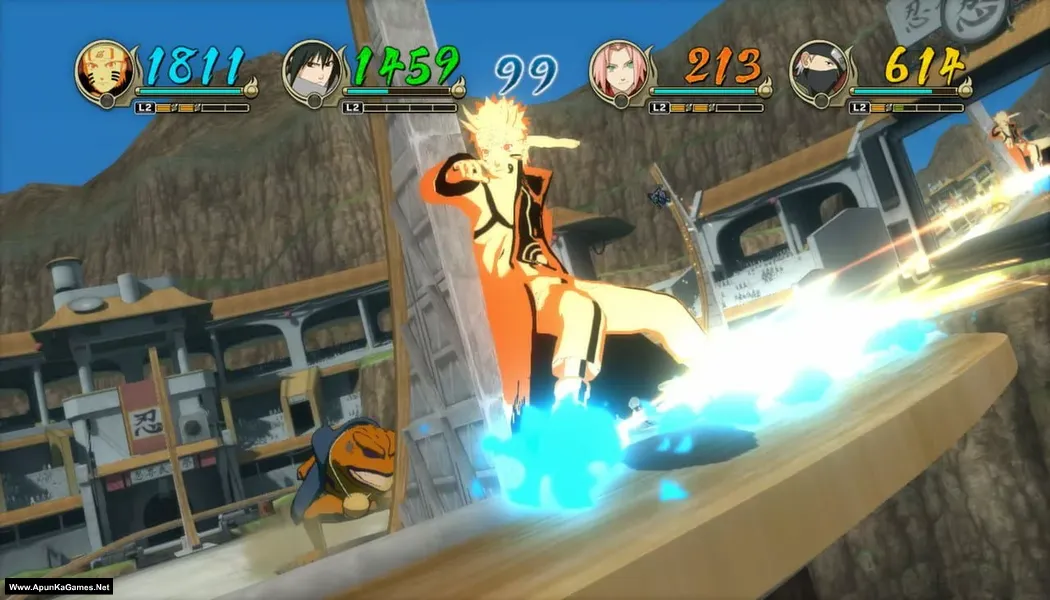
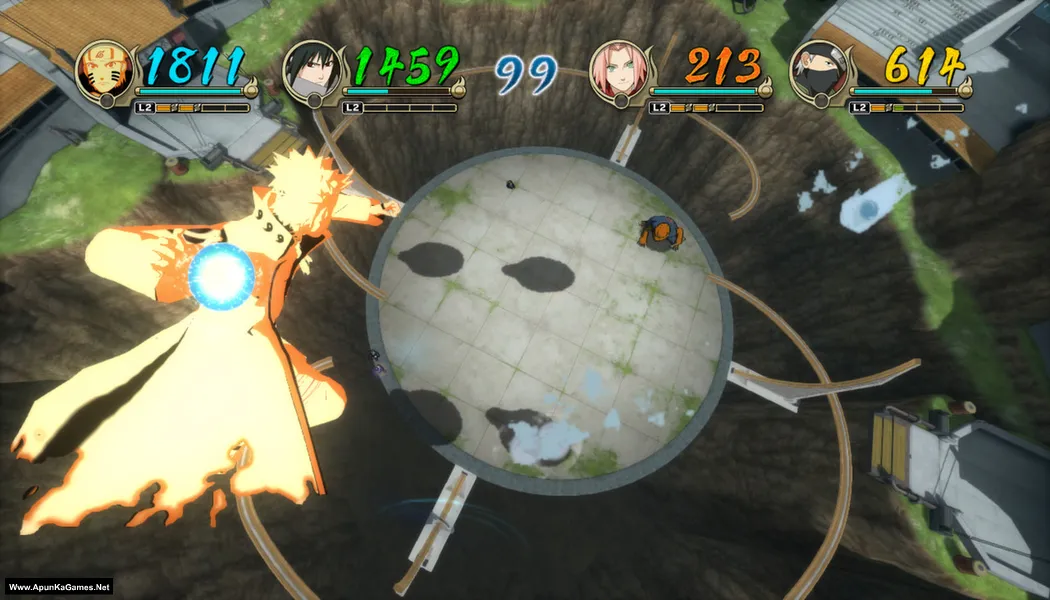
Naruto Shippuden: Ultimate Ninja Storm Revolution (5.80 GB) is an anime fighting game developed by CyberConnect2 and published by Bandai Namco Entertainment. Based on the popular Naruto Shippuden series, the game features fast-paced battles, powerful jutsu attacks, and a large roster of over 100 playable characters. Players can experience the Ninja World Tournament mode, unique story content, and dynamic arena combat. With stunning anime-style visuals and smooth combat mechanics, the game delivers an exciting ninja fighting experience.
Developer/Publishers: CyberConnect2, Bandai Namco Games
Naruto Shippuden: Ultimate Ninja Storm Revolution (5.80 GB) is an anime fighting game developed by CyberConnect2 and published by Bandai Namco Entertainment. Based on the popular Naruto Shippuden series, the game features fast-paced battles, powerful jutsu attacks, and a large roster of over 100 playable characters. Players can experience the Ninja World Tournament mode, unique story content, and dynamic arena combat. With stunning anime-style visuals and smooth combat mechanics, the game delivers an exciting ninja fighting experience.
Before downloading make sure that your PC meets minimum system requirements.
Minimum System Requirements
- OS: Windows XP/Vista/7
- Processor: 2.3 GHz Dual Core or AMD
- RAM: 1 GB
- Hard Drive: 8 GB available space
- Video Card: 512 MB, Pixel Shader 4.0 (Geforce 8xxx-ATI HD2xxx)
- DirectX: Version 9.0c
Screenshots
How to Install?
- Extract the file using Winrar. (Download Winrar)
- Open “Naruto Shippuden – Ultimate NSR” folder, double click on “Setup” and install it.
- After installation complete, go to the folder where you extract the game.
- Open “MP-Fix” folder, copy all files and paste it where you install the game.
- Then double click on “NSUNSR” icon to play the game. Done!
How to Download?
If your don’t know how to Download this game, just Click Here!
Naruto Shippuden: Ultimate Ninja Storm Revolution Download
Download in Single Link
Click Here
–
Download in 600 MB Parts
Click Here
Game Size: 5.80 GB
Password: www.apunkagames.net or apunkagames
Download in Single Link
Click Here
–
Download in 600 MB Parts
Click Here
Game Size: 5.80 GB
Password: www.apunkagames.net or apunkagames

Please can you send me a tutorial video
Does this game have any problems or does it works
yes it works
Were can I get the crack just installed and it’s telling me initialize stream
Do you still need help or…..
Its also show me could not initiate steam what i do please help me
man why i got slow motioon during play this game
Me too
I got an error Could Not Initialize Steam and its hard to find the fix for it can you please help me
add crack
Where can i find crack?
When I open naruto ultimate Ninja storm revolution after install steam opens.pleasd help me I want to play it offline
maybe yu should try running in administration
Bro when open naruto ultimate Ninja storm revolution it shows to buy please help
try running in administration. mine work hope yrs do too
I can’t play this game with my PC pad, please help
Is it playable offline ? Or not ?
sure does
where do we find crack pls tell
sure does
How download game ? ????
Does the game work, is it safe?
yes
guys use 7 zip for extractsion cuz winrar wont work
work on me
Can I play online?
What is a password brother
password please ?
http://www.apunkagames.net
“Could not Initialize steam” even after copying files in mp-fix folder
disable antivirus and install again
same error.
what is the password
Hello sorry to disturb you I download the game in 5GB..I’m trying to extract it…it is asking for a password
Type these passwords one by one (make sure Caps Lock is off) or just copy and paste it.
apunkagames
www.apunkagames.netwww.apunkagames.comhow to make it control with keyboard ?
i need help plz reply fast it keep telling that steam initialize failed what do i do??
Did you cracked the game after installation completed? Follow these steps!
01. After installation complete, go to the folder where you extract the game.
02. Open “MP-Fix” folder, copy all files and paste it where you install the game.
03. Then double click on “NSUNSR.exe” to play the game. Done!
it keeps on showing me during extraction (! C:\Users\HP\Downloads\Naruto Shippuden – Ultimate NSR (Www.ApunKaGames.Net).rar: Checksum error in the encrypted file Naruto Shippuden – Ultimate NSR (Www.ApunKaGames.Net)\data1.bin. Corrupt file or wrong password).
This error usually means one of the downloaded parts is corrupted or incomplete. Please open each RAR file one by one—whichever part shows an error is the corrupted one. Delete that part from both your hard drive and IDM, then download it again (don’t resume the old download, as it may rename the file). After that, place all parts in one new folder and extract Part 1 only using WinRAR or 7-Zip. Also, make sure Windows Defender/antivirus is turned off or add the folder as an exclusion before extracting. 🙂
We check again. This game is 100% working setup. Please follow the instructions step by step: before extracting and installing the game, turn off your antivirus. After installation, you can turn it back on, as antivirus software may block DLL files. It’s RG Mechanics repack and works 100%.
01. Extract the file using Winrar.
02. Open “Naruto Shippuden – Ultimate NSR” folder, double click on “Setup” and install it.
03. After installation complete, go to the folder where you extract the game.
04. Open “MP-Fix” folder, copy all files and paste it where you install the game.
05. Then double click on “NSUNSR_launcher.exe” to play the game. Done!
Pls it keeps showing the steam error I’ve copied the file from mx fik folder and turned of antivirus yet same steam error
Brother, we’ve installed and checked the game from our side, and all the files are working absolutely fine. ❤️
First, try running the game before copying the “MP-Fix” folder files. If the game runs normally at that point, then copy the “MP-Fix” Steam files into the game folder and try running it again.
We tested it on our PC, and the game runs both before and after adding the MP-Fix files. The main difference is that after adding the MP-Fix files, the Steam-related DLC/unlocked content becomes available.
So please test the game first without the MP-Fix files, then add them afterward. 🎮🙏