
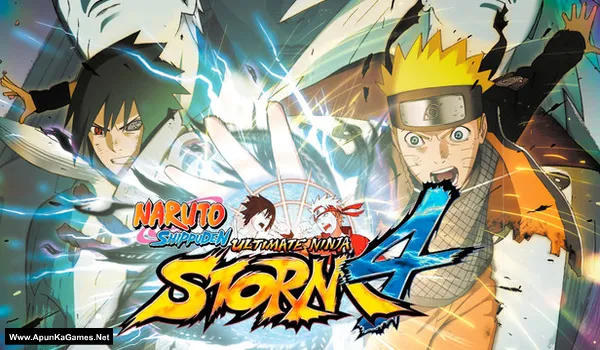
Naruto Shippuden: Ultimate Ninja Storm 4 Game – Overview – Free Download – PC – Specs – Screenshots – Free
Type of game: Fighting
PC Release Date: February 5, 2016
Developer/Publishers: CyberConnect2 Co. Ltd. BANDAI NAMCO Entertainment
Naruto Shippuden: Ultimate Ninja Storm 4 (31.7 GB) is an Fighting video game. Developed and published by CyberConnect2 Co. Ltd, BANDAI NAMCO Entertainment. It was released on February 5, 2016 for Windows. Naruto Shippuden: Ultimate Ninja Storm 4 delivers the final chapter of Naruto’s epic ninja war with cinematic anime battles. Players unleash powerful jutsu, awaken transformations, and fight massive boss battles across dynamic arenas. The gameplay combines fast-paced combat, story-driven missions, and stunning visuals for an intense ninja fighting experience.
Type of game: Fighting
PC Release Date: February 5, 2016
Developer/Publishers: CyberConnect2 Co. Ltd. BANDAI NAMCO Entertainment
Naruto Shippuden: Ultimate Ninja Storm 4 (31.7 GB) is an Fighting video game. Developed and published by CyberConnect2 Co. Ltd, BANDAI NAMCO Entertainment. It was released on February 5, 2016 for Windows. Naruto Shippuden: Ultimate Ninja Storm 4 delivers the final chapter of Naruto’s epic ninja war with cinematic anime battles. Players unleash powerful jutsu, awaken transformations, and fight massive boss battles across dynamic arenas. The gameplay combines fast-paced combat, story-driven missions, and stunning visuals for an intense ninja fighting experience.
Before downloading make sure that your PC meets minimum system requirements.
Minimum System Requirements
- OS: Windows 7 or higher Up to Date (64-bit)
- Processor: Intel Core2 Duo, 3.0GHz – AMD Athlon 64 X2 Dual Core 6400+ 3.2GHz
- RAM: 2 GB
- Hard Drive: 40 GB available space
- Video Card: 1024 MB
- DirectX: Version 11
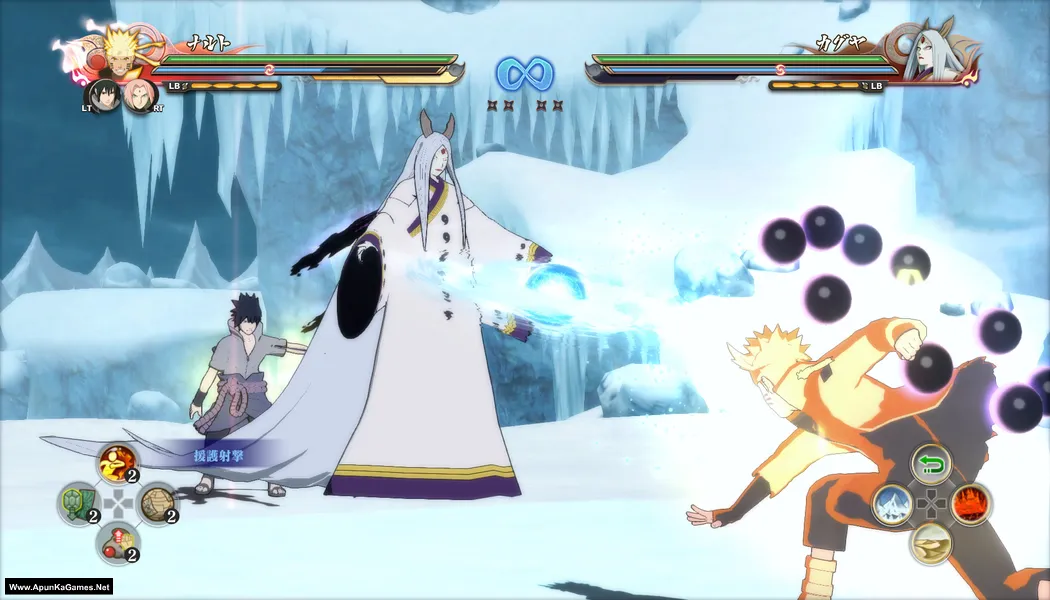
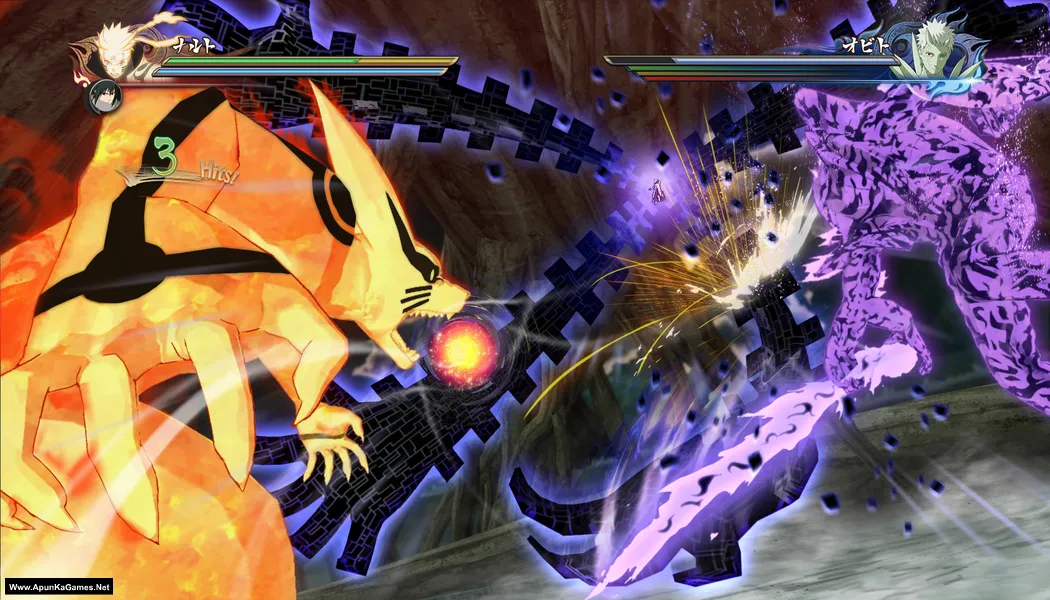
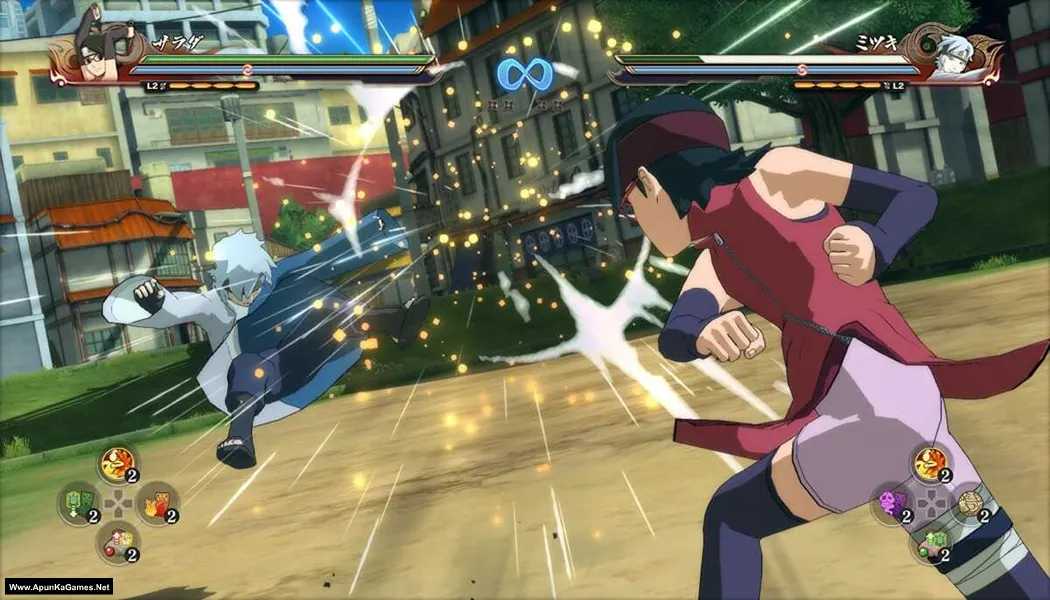
Screenshots
How to Install?
- Extract the file using Winrar. (Download Winrar)
- Open “Naruto Shippuden Ultimate Ninja Storm 4” folder, double click on “Setup” and install it.
- After installation complete, go to the folder where you extract the game.
- Open “CODEX” folder, copy all files and paste it where you install the game.
- Double click on “NSUNS4.exe” to play the game. Done!
How to Download?
If your don’t know how to Download this game, just Click Here!
If your don’t know how to Download this game, just Click Here!
Naruto Shippuden: Ultimate Ninja Storm 4 Download
Download in 5 GB Parts
Click Here
–
Download in 1.2 GB Parts
Download in 5 GB Parts
Click Here
–
Download in 1.2 GB Parts
Game Size: 31.7 GB
Password: www.apunkagames.net or apunkagames

When will you guys update Road to boruto
Will it work on Intel g41 chipset
Windows 10
E5700 3.20ghz dual core
I hope to get reply
please check like this: https://www.youtube.com/watch?v=KfhN1MlMB90
Which version is this ?
Is that includes road to baruto?
Full dlc?
the game is crashing whta should i do
When I opened they said direct x11 failed to form
it means ur laptop doesnt have dx11 which is needed to run the game
should i extracte all the files at once or just the first one ?
can you please fix the 5gb file number 3 and 4 . it shows 404 error. i really want to play naruto.
thanks for reporting we will soon fix.
bro plz fix this plz plz immediately
only upto 27 parts are available ?
1 gb each
The 600mb parts have changed to 1.20 and I have been downloading the 600mb parts ,if I add it to the 1.20gb will it still extract
perfect
Am using 8gp ram but this game running slowly and loading late how to solve the problem
Pls update to 1.09 version road to boruto
number four is working pls fix number 3
Naruto Shippuden: Ultimate Ninja Storm 4 Download 5gig part 3 is missing please reupload, I have downloaded the remaining parts please I really love this game, please reupload missing part 3 5gig download link. please.
Did you get the part 3
Part 3 of the 5GBs Is missing
Part 18 to 27 says 404 error part 3 in the bigger files also says the same. How Can I solve this
we can fix it
the 3rd part in 5 gb size has an error of 404
All links are working brother. Download the files one by one. TheFileLocker does not support multiple downloads at the same time, and downloading more than one file simultaneously may cause errors. Ensure each file is downloaded individually. Let the first download finish, then download the second one. Make sure no other parts are downloading in IDM.
Can anyone tell me how to connect the controller?
I’m being redirected to Steam, and I’m being told that I don’t have a license. Is there a video for setup guide
Did you apply the crack files after installation finished? this is important step to run the game follow this guide:
01. After installation complete, go to the folder where you extract the game.
02. Open “CODEX” folder, copy all files and paste it where you install the game. (Click Replace)
03. Double click on “NSUNS4.exe” to play the game. Done!
How to add existing savedata?
D:\storm4\Naruto Shippuden Ultimate Ninja Storm 4 – (Www.ApunKaGames.Net).part2 (1).rar…..i tried extracting and this is what they said
Brother, Naruto Shippuden: Ultimate Ninja Storm 4 has 7 parts. Please make sure you’ve downloaded all 7 parts, placed them in one folder, and extract Part 1 only. Also, don’t use a file like part2 (1).rar—the (1) usually means it’s a duplicate or renamed file. Use the original Part 2 along with the other parts.
when i click on setup after the extraction of game it gives a cdx to install but when i click on install it goes in folder and want “setup-1” but there is no file name about “setup-1” and then it failed .. but when i extracting the rar 1 it says “”””””””””! D:\Games\New folder (3)\Naruto Shippuden Ultimate Ninja Storm 4 – (Www.ApunKaGames.Net).part1.rar: Checksum error in Naruto Shippuden Ultimate Ninja Storm 4 – (Www.ApunKaGames.Net)\setup-1.bin. The file is corrupt”””‘
please fix it
Bro, I can see the exact problem now. The CDX installer is not the main issue. Your extraction itself is failing because setup-1.bin is corrupted.
Please do this:
Delete the extracted Naruto Storm 4 folder completely.
Keep all the original .part1.rar, .part2.rar, .part3.rar etc. files together in one folder.
Make sure every part finished downloading completely and none has a different filename.
Update WinRAR to the latest version.
Open Part 1 in WinRAR and use Tools → Test archived files. This will check the archive for corruption.
If WinRAR again reports a checksum/CRC error for setup-1.bin, do not run the setup. The required BIN file was not extracted correctly.
Re-download the part that WinRAR identifies as damaged.
After you get a 100% error-free extraction, then run the installer again. The missing setup-1 message should no longer appear if the complete BIN files are present.
hello
yes it worked but when i click on crc install button after some time an error occured which says “””””””””ISDone.dll
An error occurred while unpacking: archive corrupted!
Unarc.dll returned an error code: -7
ERROR: archive data corrupted (decompression fails)
please fix it please
Yes brother, this error usually means one or more installation archive files are corrupted or incomplete. Unarc.dll error -7 specifically indicates that the archive data cannot be decompressed correctly.
Try these steps:
Check all downloaded parts
Make sure every part is downloaded completely.
Keep all parts in the same folder.
If the download has a CRC/check option, run it first.
Redownload the damaged part
The CRC installer can identify the corrupted archive.
Redownload that specific part completely rather than downloading it again partially.
Don’t rename the parts
Keep their original names and numbering, such as part1, part2, etc.
Move the setup to a simple folder
For example: D:\Game\
Avoid very long folder paths or special characters.
Make sure you have enough free space
Installation/extraction can require substantially more space than the final game size.
Run the installer as Administrator, Right-click the installer → Run as administrator.
Also, install the latest Visual C++ Redistributables before running the setup. When you start the installation, temporarily turn off your antivirus/Windows Defender and make sure the game folder is added to the exclusions to prevent files from being removed during installation.
If the error still occurs, Turn off Anti-Virus + Windows defender before installation. Also Download ISDone_x86 , unarc_x86 (DLL) and extract it. Then Copy and paste the “ISDone_x86” and “unarc_x86” files into both of these folders:
C:\Windows\System32
C:\Windows\SysWOW64
and then install.
thanks it worked . you are lifesaver
You’re welcome.😊
APUNKAGAMES ADMIN PLEASE ADD A SEPERATE FILE FOR THE ROAD TO BORUTO DLC AND UPDATE THIS DLC CAME OUT YEARS AGO I DON’T UNDERSTAND WHY YOU DON’T HAVE IT? PLEASE UPDATE YOUR GAME OR I’LL SWITCH SITES
Brother, I can’t add a separate file for the Road to Boruto DLC, but I can add NARUTO SHIPPUDEN: Ultimate Ninja STORM 4 v1.09 + ALL DLC, including Road to Boruto, as a complete updated version. ❤️
And bro, no need to threaten me with leaving the site 😂 We’re here to help, not compete for custody! 🤣❤️ I’ll try to add the updated version as soon as possible. Thanks for your support and patience! 🙏🎮
The link has been updated. Go to the TheFileLocker links page. Below the old download links, you will find NARUTO SHIPPUDEN: Ultimate Ninja STORM 4 Road to Boruto Next Generations Pack v1.09 + All DLCs with Update (CODEX).
It’s a 35.7 GB setup that includes all DLCs and the v1.09 update. Download both the setup and update, then install them. The setup also includes Road to Boruto.
Now, please don’t leave my site, sir. 😄❤️