
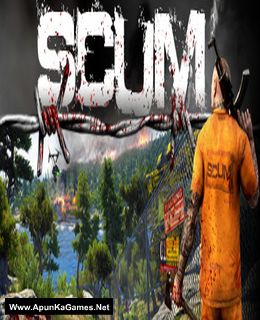
Scum Game – Overview – Free Download – PC – Compressed – Specs – Screenshots – Free
Type of game: Action
PC Release Date: August 29, 2018
Developer/Publishers: Gamepires, Croteam/Devolver Digital
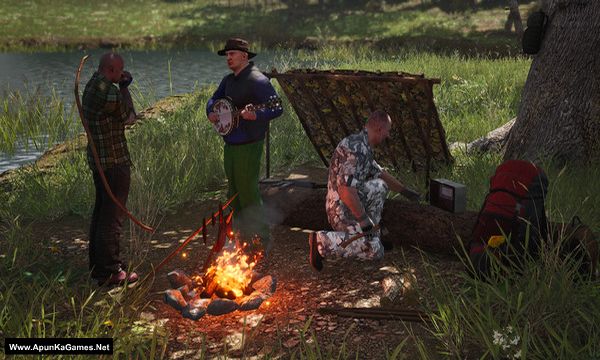
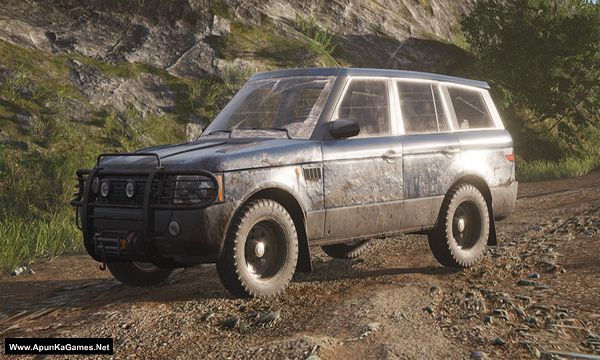
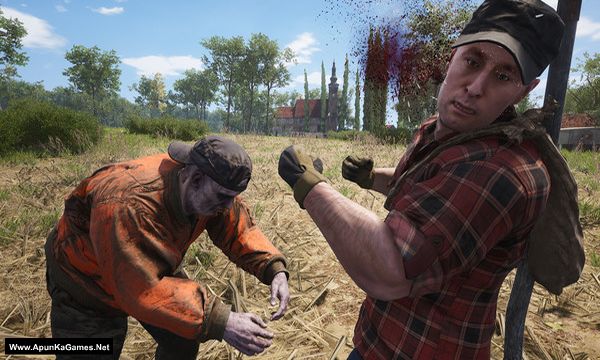
Scum (22.6 GB) is an action video game. Developed and published by Gamepires, Croteam/Devolver Digital. It was released on August 29, 2018 for Windows. SCUM aims to evolve the multiplayer open world survival game with unprecedented levels of character customization, control and progression, where knowledge and skills are the ultimate weapons for long-term survival.
Type of game: Action
PC Release Date: August 29, 2018
Developer/Publishers: Gamepires, Croteam/Devolver Digital
Scum (22.6 GB) is an action video game. Developed and published by Gamepires, Croteam/Devolver Digital. It was released on August 29, 2018 for Windows. SCUM aims to evolve the multiplayer open world survival game with unprecedented levels of character customization, control and progression, where knowledge and skills are the ultimate weapons for long-term survival.
Before downloading make sure that your PC meets minimum system requirements.
Minimum System Requirements
- OS: Windows 7/8.1/10 (64-bit)
- Processor: Intel Core i5-4430 / AMD FX-6300
- RAM: 10 GB
- Hard Drive: 30 GB available space
- Video Card: NVIDIA GeForce GTX 960 2GB / AMD Radeon R7 370 2GB
- DirectX: Version 11
Screenshots
How to Install?
- Extract the file using Winrar. (Download Winrar)
- Open “Scum” >> “Game” folder.
- Then double click on “SCUM_Launcher” icon to play the game. Done!
How to Download?
If your don’t know how to Download this game, just Click Here!
If your don’t know how to Download this game, just Click Here!
Game Size: 22.6 GB
Password: www.apunkagames.net or apunkagames

i did not find scum launcher , any advise thx
We checked again, and this game is 100% working. Please follow the instructions step by step.
Before extracting and installing the game, temporarily turn off your antivirus, as it may block or remove DLL files. After the installation is complete, you can turn your antivirus back on.
Go to “SCUM” → “Binaries” → “Win64” folder.
Extract “Step 2 – Extract Setup”. If it asks for a password, enter 123
After extraction is complete, the game application will appear.
Run “SCUM.exe” to launch the game.
Done! Enjoy the game! 🎮
We check again. This game is 100% working setup. Please follow the instructions step by step: before extracting and installing the game, turn off your antivirus. After installation, you can turn it back on, as antivirus software may block DLL files.
Download all parts and paste them into one new folder.
01. Extract the file using Winrar part 1 and automatically all parts will extracted.
02. Open “Scum” >> “Binaries”” >> “Win64” folder.
03. Extract “Step 2 – Extract Setup”. If it asks for a password, enter 123
04. After extraction is complete, the game application will appear.
05. Run “SCUM.exe” to launch the game. Done!