
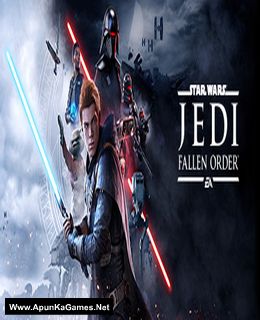
Star Wars Jedi: Fallen Order Game – Overview – Free Download – PC – Compressed – Specs – Screenshots – Free
Type of game: Action, Adventure
PC Release Date: November 14, 2019
Developer/Publishers: Respawn Entertainment/Electronic Arts
Star Wars Jedi: Fallen Order (52.6 GB) is an action, adventure video game. Developed and published by Respawn Entertainment/Electronic Arts. It was released on November 14, 2019 for Windows. A galaxy-spanning adventure awaits in Star Wars Jedi: Fallen Order, a 3rd person action-adventure title from Respawn. An abandoned Padawan must complete his training, develop new powerful Force abilities, and master the art of the lightsaber – all while staying one step ahead of the Empire.
Type of game: Action, Adventure
PC Release Date: November 14, 2019
Developer/Publishers: Respawn Entertainment/Electronic Arts
Star Wars Jedi: Fallen Order (52.6 GB) is an action, adventure video game. Developed and published by Respawn Entertainment/Electronic Arts. It was released on November 14, 2019 for Windows. A galaxy-spanning adventure awaits in Star Wars Jedi: Fallen Order, a 3rd person action-adventure title from Respawn. An abandoned Padawan must complete his training, develop new powerful Force abilities, and master the art of the lightsaber – all while staying one step ahead of the Empire.
Before downloading make sure that your PC meets minimum system requirements.
Minimum System Requirements
- OS: Windows 7/8.1/10 (64 bit)
- Processor: AMD FX-6100/Intel i3-3220 or Equivalent
- RAM: 8 GB
- Hard Drive: 55 GB available space
- Video Card: AMD Radeon HD 7750, NVIDIA GeForce GTX 650 or Equivalent
- DirectX: Version 11
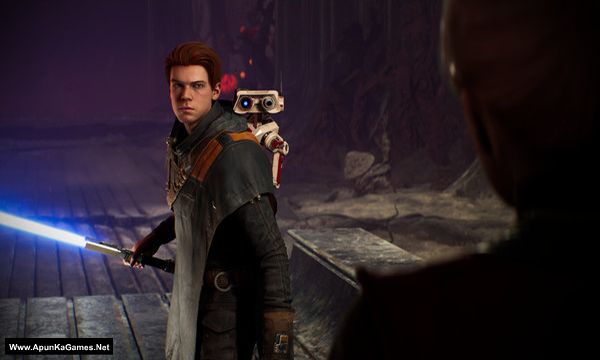
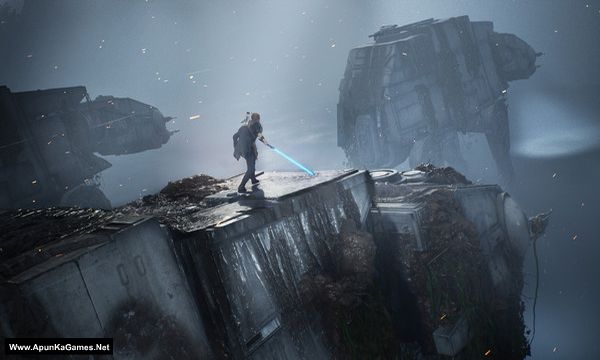
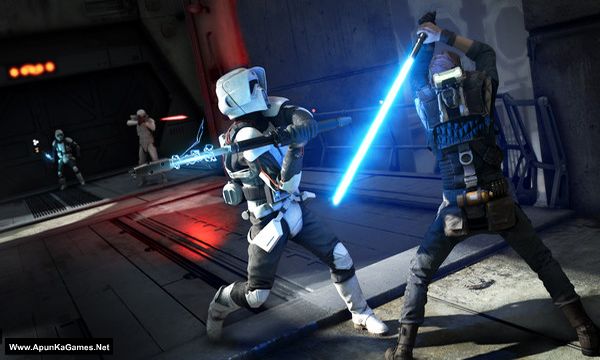
Screenshots
How to Install?
- Extract the file using Winrar. (Download Winrar)
- Open “Star Wars Jedi Fallen Order” folder, double click on “Setup” and install it.
- After installation complete, go to the folder where you extract the game.
- Open “CODEX” folder, copy all files and paste it where you install the game.
- Then double click on “SwGame” >> “Binaries” >> “Win64” >> “starwarsjedifallenorder” icon to play the game. Done!
How to Download?
If your don’t know how to Download this game, just Click Here!
If your don’t know how to Download this game, just Click Here!
Game Size: 52.6 GB
Password: www.apunkagames.net or apunkagames

are you this will work 100 precent
before i it install
Game install to ho gaya uske baad lunch nahi ho raha hai
Can i run i3 processor 4th gen quadro k620 2gb 12 gb ram
why there is no downloadable file? it’s empty
Does this work
Yes, It will work if your PC specifications meet the game’s system requirements. 🎮👍
Hey I downloaded and installed the game completely and put the codex folder as it was said. But the game doesn’t launch, it appears in task manager for few seconds then Dissapears, please help
Brother, let us check the game again from our side. If it needs to be updated, we will update the setup. We’ll also let you know whether the current setup is working properly. Please give us some time to check it.