
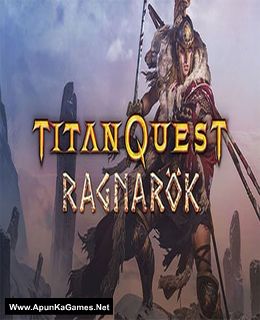
Titan Quest Anniversary Edition Ragnarok Game – Overview – Free Download – PC – Compressed – Specs – Screenshots – Free
Type of game: Action, Role-playing
PC Release Date: November 17, 2017
Developer/Publishers: THQ Nordic
Titan Quest Anniversary Edition Ragnarok (4.2 GB) is an Action, Role-playing video game. Developed and published by THQ Nordic. It was released on November 17, 2017 for Windows. At long last, Titan Quest continues its epic journey through the world of antiquity. A mysterious threat calls the heroes of Hades to the uncharted lands of northern Europe, where new enemies await and new powers and treasures are waiting to be found!
Type of game: Action, Role-playing
PC Release Date: November 17, 2017
Developer/Publishers: THQ Nordic
Titan Quest Anniversary Edition Ragnarok (4.2 GB) is an Action, Role-playing video game. Developed and published by THQ Nordic. It was released on November 17, 2017 for Windows. At long last, Titan Quest continues its epic journey through the world of antiquity. A mysterious threat calls the heroes of Hades to the uncharted lands of northern Europe, where new enemies await and new powers and treasures are waiting to be found!
Before downloading make sure that your PC meets minimum system requirements.
Minimum System Requirements
- OS: Windows XP/Vista/7/8/10
- Processor: 2.0 GHz CPU
- Memory: 1 GB RAM
- Graphics: 128 MB NVIDIA GeForce 6800 series or ATI Radeon X800 series or equivalent
- DirectX: Version 9.0c
- Storage: 5 GB available space
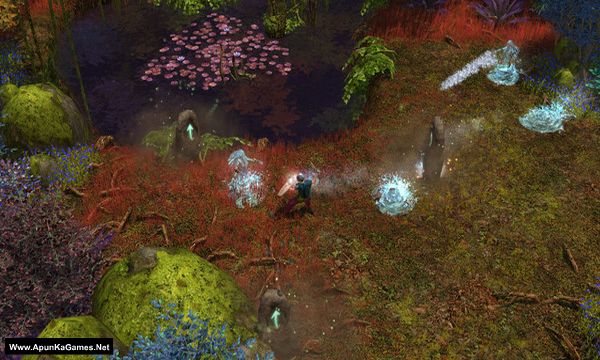
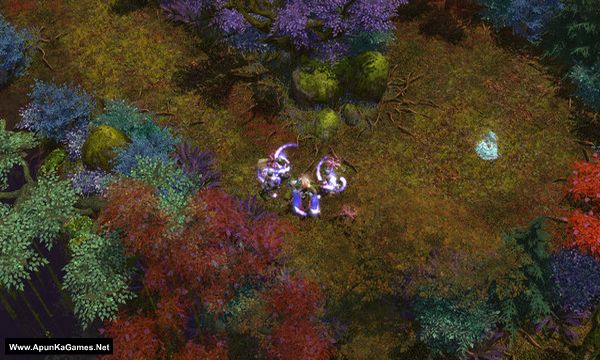
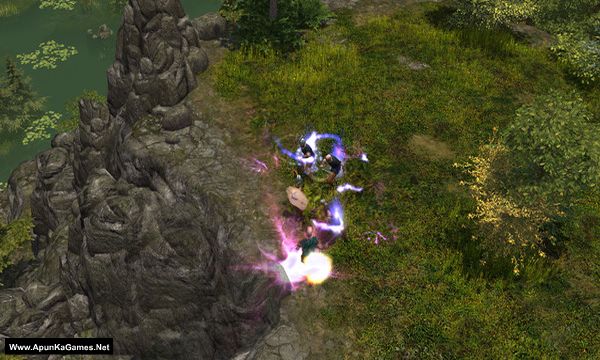
Screenshots
How to Install?
- Extract the file using Winrar. (Download Winrar)
- Open “Titan Quest Ragnarok” folder, double click on “Setup” and install it.
- After installation complete, go to the folder where you install the game.
- Then double click on “TQ” icon to play the game. Done!
How to Download?
If your don’t know how to Download this game, just Click Here!
If your don’t know how to Download this game, just Click Here!
Game Size: 4.2 GB
Password: www.apunkagames.net or apunkagames
how to fix error code 12
Brother, Error Code 12 in Titan Quest: Ragnarok is usually caused by missing game files, antivirus interference, or missing runtime components. Please install the latest Microsoft Visual C++ Redistributables, DirectX, and the All-in-One Runtime Package. Also, temporarily disable Windows Defender/antivirus or add the game folder as an exclusion, then run the game as Administrator.