
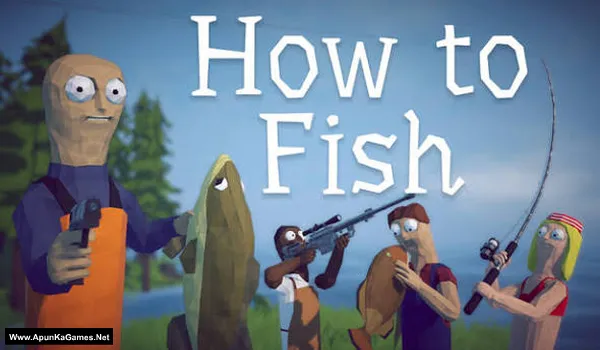
How to Fish Game – Overview – Download – Free – PC – Specs – Screenshots – Installation Guide
Type of game: Simulation
PC Release Date: August 20, 2026
Developer/Publishers: Dazed Games
How to Fish (322 MB) is a casual simulation game focused on fishing, exploration, relaxation, and engaging gameplay. Learn different fishing techniques, explore various locations, choose suitable equipment, catch different fish, and improve your skills as you progress. Experience peaceful environments, interactive fishing mechanics, varied challenges, and rewarding catches throughout your journey. With accessible controls, relaxing gameplay, fishing-focused activities, and enjoyable exploration, How to Fish offers a simple experience for players seeking casual entertainment, peaceful moments, outdoor adventure, and fishing challenges.
Type of game: Simulation
PC Release Date: August 20, 2026
Developer/Publishers: Dazed Games
How to Fish (322 MB) is a casual simulation game focused on fishing, exploration, relaxation, and engaging gameplay. Learn different fishing techniques, explore various locations, choose suitable equipment, catch different fish, and improve your skills as you progress. Experience peaceful environments, interactive fishing mechanics, varied challenges, and rewarding catches throughout your journey. With accessible controls, relaxing gameplay, fishing-focused activities, and enjoyable exploration, How to Fish offers a simple experience for players seeking casual entertainment, peaceful moments, outdoor adventure, and fishing challenges.
Before downloading make sure that your PC meets minimum system requirements.
Minimum System Requirements
- OS: Windows 10+ (64‑bit)
- Processor: Intel Core i5-5257U, AMD Ryzen 3 1200 or equivalent
- RAM: 8 GB
- Hard Disk: 1 GB available space
- Graphics Card: GeForce GTX 1050, AMD RX 460 or equivalent
- Network: Broadband Internet connection
- DirectX: Version 11
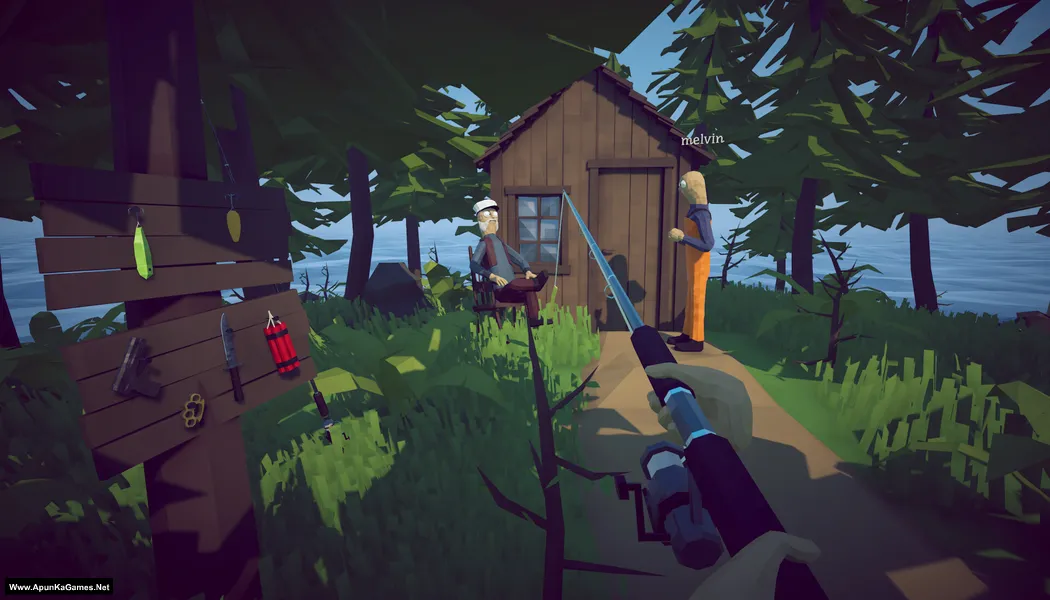
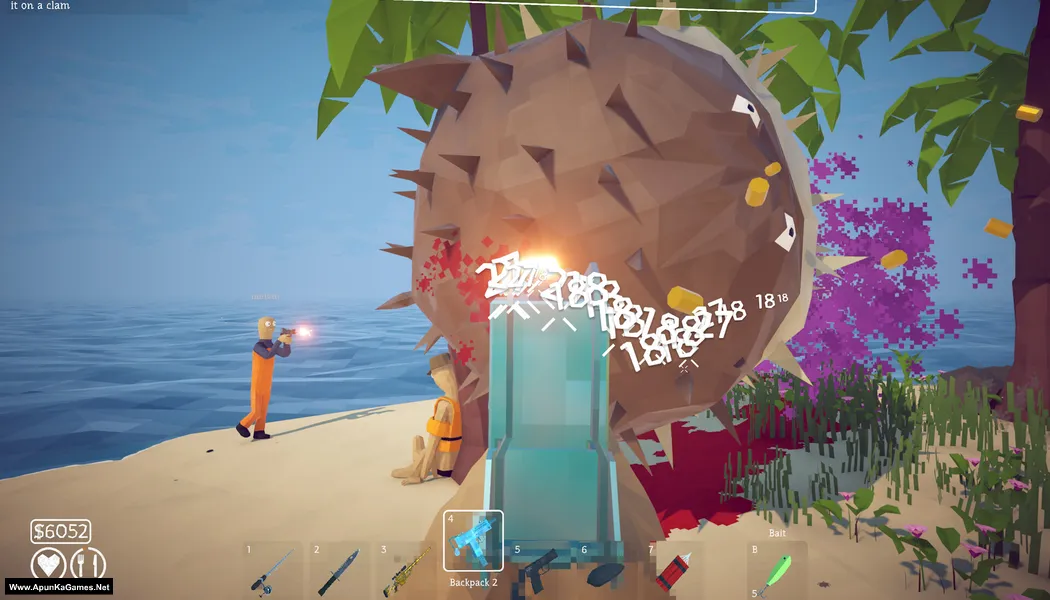
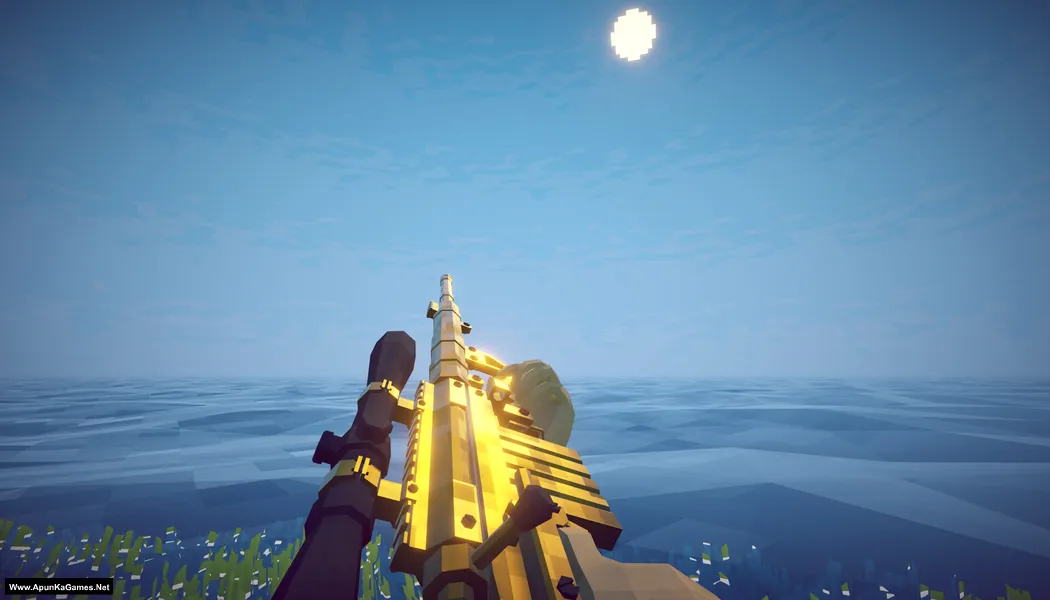
Screenshots
How to Install?
- Extract the file using Winrar. (Download Winrar)
- Open “How to Fish” >> “Game” folder.
- Then double click on “How to Fish.exe” to play the game. Done!
How to Download?
If your don’t know how to Download this game, just Click Here!
If your don’t know how to Download this game, just Click Here!
How to Fish Download
Click Here to Download This Game
Game Size: 322 MB
Password: www.apunkagames.net or apunkagames
Click Here to Download This Game
Game Size: 322 MB
Password: www.apunkagames.net or apunkagames
